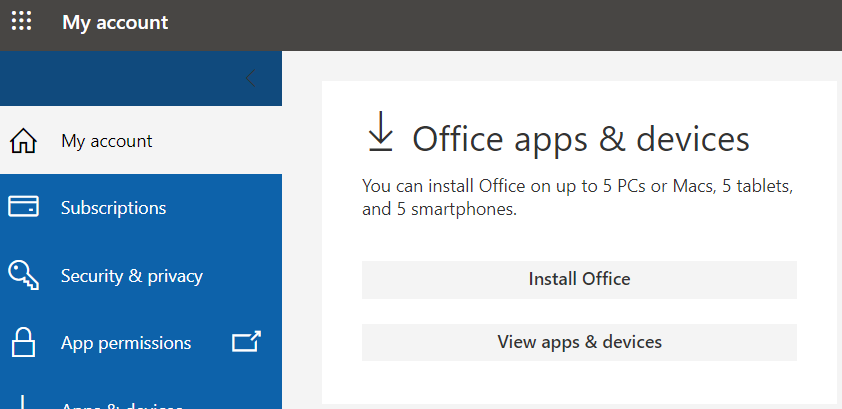
Get a Free Copy of Microsoft Office (Employees)
City Colleges of Chicago employees may download up to five copies of the latest version of Microsoft Office on either a Windows PC and/or and on their mobile device for use during the term of their employment at CCC.
Installing the software on a Windows or Mac PC
- Login to your CCC Email Account using your CCC credentials or through My.CCC.edu
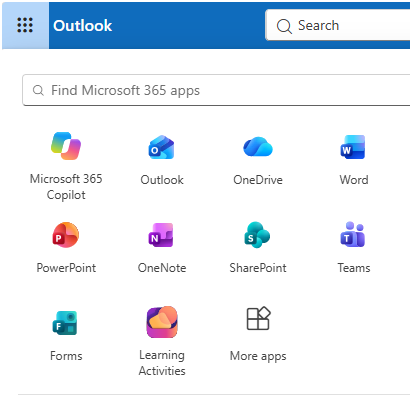
- From your email account, click the app launcher (the 3 by 3 dots or waffle looking icon) next to "Outlook" button in the top left corner.
- Click on "More Apps"
- . Click "Install and More" button located on the top right corner of screen?. Select the first option.

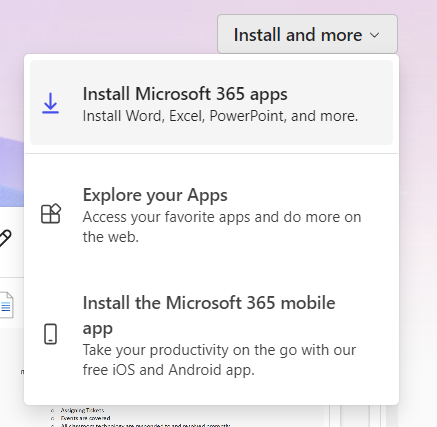
- A package will download, Click the Setup Icon to begin the download. Then click Yes. You will need to log in using your CCC email address and CCC password